Phone App vs. Web Link App (Mobile App vs. Web App)
Whenever someone says 'I want to build an app,' they almost instinctively picture an icon on their smartphone home screen. But in the modern software landscape, countless high-revenue products live entirely in browser links. Why does getting onto app stores feel like begging a supermarket to stock your snack, how does the airline ticket test separate websites from web apps, and how do you pick the right vehicle for your idea?
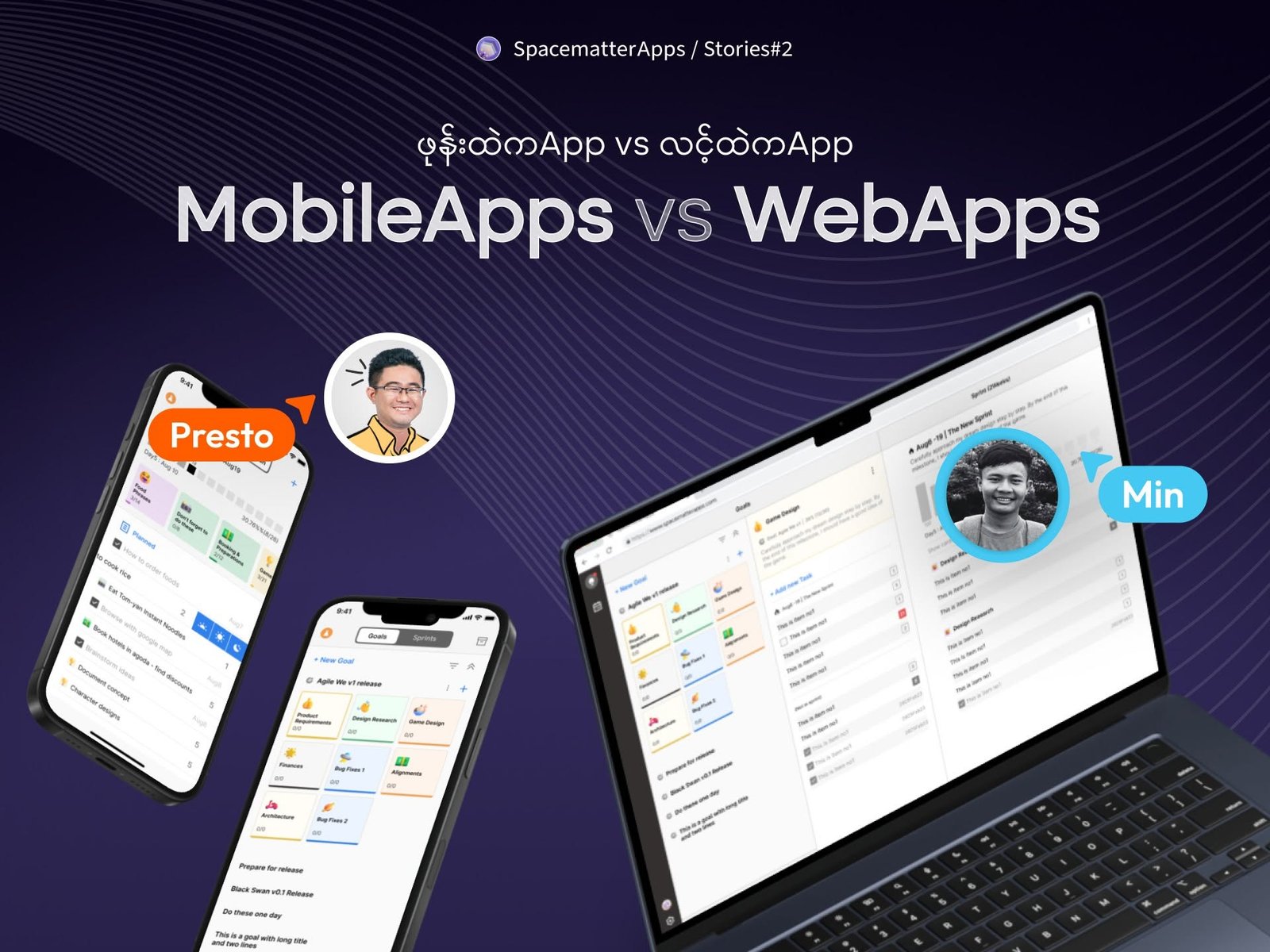
Figure 2.1: Native store apps and cloud web apps serve fundamentally different tactical purposes in product distribution.
1. In the Grip of Apple & Google
Because Apple and Google control iOS and Android, submitting an app to their stores is remarkably similar to begging a major supermarket chain to place your homemade snack on their retail shelves. You cannot simply walk in, place your product on display, and start selling. You have to pay homage and submit to their bureaucracy.
First, they charge you for the privilege: Apple requires $100 every single year, while Google charges a $25 developer registration fee.
Next comes the inspection gauntlet. You submit your app like an offering, and if their reviewers dislike a button label or phrasing, they reject the entire build and demand changes. One memorable example from our own early work: an app build was rejected by Google for simply having a label that read “This feature coming soon.” The reviewer flagged it as a policy violation for “misrepresenting functionality that does not yet exist.”
The 20-Tester Android Tax
To make things even more strenuous, Google Play now mandates that new personal developer accounts must recruit 20 independent closed testers who keep the app installed on their phones for 14 continuous days before you are allowed to publish publicly.
For an early founder, hunting down 20 friends, getting their Gmails registered, begging them not to uninstall the test app, and waiting two weeks creates an excruciating roadblock before a single real customer can sign up.
And if you fix a bug next week and want to release an update? The entire review tape rewinds from the beginning. Building a mobile app isn’t impossible, but the bureaucratic friction is exhausting. That’s why when someone asks an engineer for a native mobile app, the developer’s heart sinks, and they quote an extra “chest pain fee” (ရင်လေးခ) just to deal with store politics.
✦
2. Website vs. Web App: The Airline Ticket Test
Non-technical users often confuse websites with web apps because both open in Google Chrome or Safari. To most people, anything opened through a web browser is simply “a website.” But the engineering under the hood is twelve worlds apart.
The clearest way to understand the difference is the Airline Ticket analogy:
The Airline Ticket Analogy
Company A (Informational Website): You visit their site and see nice photos of airplanes with text saying “Fly with us, we have the best service! Call this phone number or visit our downtown office to book.” That is an informational website. It provides static facts. It is like printing a beautiful architectural blueprint and pinning it to your living room wall.
Company B (Web Application): You visit the site, select your departure city and destination, interactive dates and live flight schedules appear, you choose your specific seat from a real-time plane map, pay with your card, and an automated boarding pass with a QR code is generated. That is a Web Application (WebApp). It is like actually building the house with live plumbing, electricity, and doors that lock.
Both open in the exact same web browser window, but constructing a real Web App requires real databases, secure authentication, transactional state management, and continuous API synchronizations.
✦
3. Two Islands vs. The Motorboat
To understand the distribution difference between Native Apps and Web Apps, picture the mobile ecosystem as two distinct landmasses:
Imagine Android is a massive, sprawling island. iOS is a separate island next to it (where the wealthy residents live). If you build a native Android app, you are opening a physical shop on Android Island. If you build a native iOS app, you are opening a shop on iOS Island. To reach everyone, you have to build, furnish, and staff two separate stores.
“A Web App is like a motorboat that sails freely between both islands. Every single Android phone and iPhone comes equipped with a modern web browser, meaning your Web App docks instantly at both shores with zero gatekeeper fees.”
— Architecture Guild, SpacematterApps
However, operating a motorboat comes with distinct tradeoffs compared to having a permanent storefront:
The Retention Hurdle: Users must remember your URL or bookmark your domain. If they close the browser tab and forget your name, they are gone. With a mobile app, your branded icon lives permanently on their screen, and push notifications allow you to gently nudge them back.
Tactile Responsiveness: Native mobile apps have direct access to phone hardware, local SQLite caches, and 120Hz touch gestures. Even with Spacematter’s fastest web architectures, a finely tuned native app still delivers an unmatched physical feel.
✦
4. The Founder Playbook & Decision Matrix
If you need to enter the market quickly, validate customer demand, and avoid app store gatekeepers, start with a Web App. If your business depends on continuous GPS tracking, Bluetooth hardware, or intense real-time mobile push notifications, prepare for the store journey.
Native Mobile App vs. Cloud Web App Matrix
Factor
Mobile App (App Store)
Web App (Browser Link)
Strategic Advantage
Distribution Speed
1–3 Weeks (Reviews & 20-tester rules)
Instant (Push code to URL)
Web App
Store Platform Fees
15% – 30% cut + $99/yr Apple, $25 Google
0% (Standard payment gateway fees only)
Web App
Instant Bug Fixes
Must re-submit for review each release
Deploy globally in 30 seconds
Web App
Push Notifications
Native, rich background delivery
Limited / Safari permission barriers
Mobile App
Offline Access
Full local SQLite database syncing
Requires complex Service Worker cache
Mobile App
Home Screen Real Estate
Permanent branded icon on device
Requires manual PWA bookmarking
Mobile App
Table 2.1: Key architectural, cost, and distribution tradeoffs.
If your idea is an early-stage tool, booking system, or operational product, launch your digital presence with Your First Website or a dedicated web tool to validate paying customers immediately.
When you are ready for a cross-platform mobile product that gives you native store presence without paying two separate engineering teams, explore Your First Mobile App, engineered with modern hybrid architecture.